GB WhatsApp Features & Settings
GB WhatsApp adds options that official WhatsApp may not offer, but menus change between releases and forks. These guides explain one feature at a time—where to look in settings, what usually happens, and limits that still apply on your Android version.
Privacy and chat controls
Read receipts, locks, and hidden chats behave differently from official WhatsApp. A lock may use PIN, pattern, or fingerprint depending on your build; hiding blue ticks does not always hide “online” or typing indicators.
- Hide blue ticks in GB WhatsApp — read receipts and related privacy options.
- Lock individual chats in GB WhatsApp — per-chat protection and recovery if you forget the PIN.
Messaging tools and quiet modes
Scheduled messages and DND-style modes may depend on background execution, battery optimizations, and notification permissions. Delivery at an exact minute is not guaranteed if Android kills background tasks.
- Schedule messages in GB WhatsApp — setting time, recipient, and failed sends.
- Use GB WhatsApp DND mode — silencing alerts without missing critical calls.
Status and media
Saving status videos or images requires storage permission and a build that still exposes the save action. Respect others’ content—only save media you have rights to store.
- Download GB WhatsApp status videos — save failures vs missing menu items.
If a setting “ vanished ” after an update
Feature menus move between releases. If something disappeared after an APK update, check not working after update and the Updates & Compatibility hub before assuming your install is corrupt.
Not feature issues?
SMS login problems, crashes, or send failures are not settings tutorials—use Troubleshooting. Account warnings belong in Account & Security.
Latest Features & Settings Articles
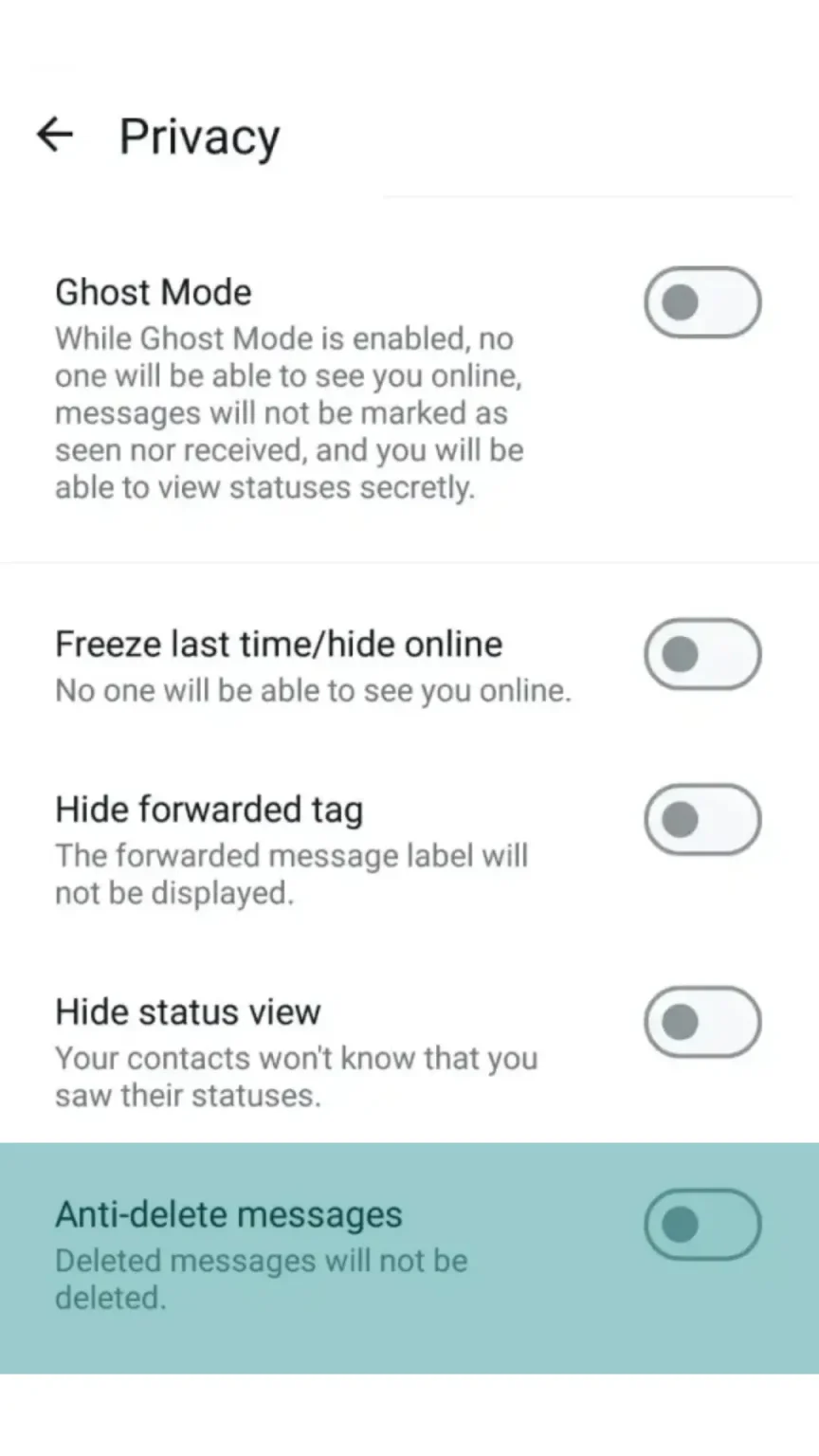
How to Save GB WhatsApp Status Videos
Learn how to check status-saving options in GB WhatsApp, locate saved media and troubleshoot missing videos while respecting other users' privacy.
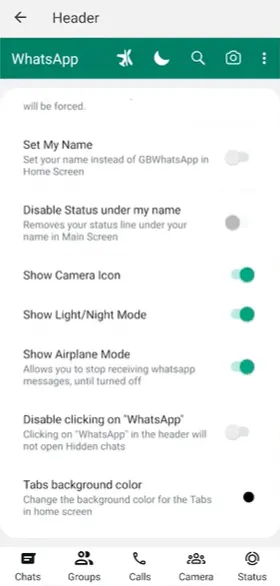
How to Use DND Mode in GB WhatsApp
Understand GB WhatsApp DND mode, how to check whether your version supports it and what happens to notifications and messages while it is enabled.
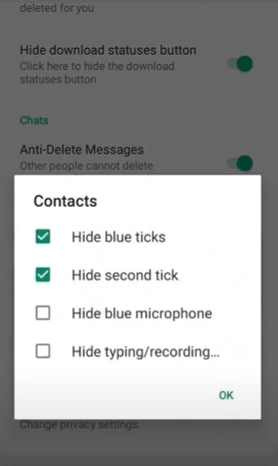
How to Hide Blue Ticks in GB WhatsApp
Learn where read receipt settings may appear in GB WhatsApp, how they affect message indicators and what limitations can vary by version.
How to Lock Individual Chats in GB WhatsApp
Learn how individual chat locking may work in GB WhatsApp, including available lock options, access settings and limitations to understand before using it.
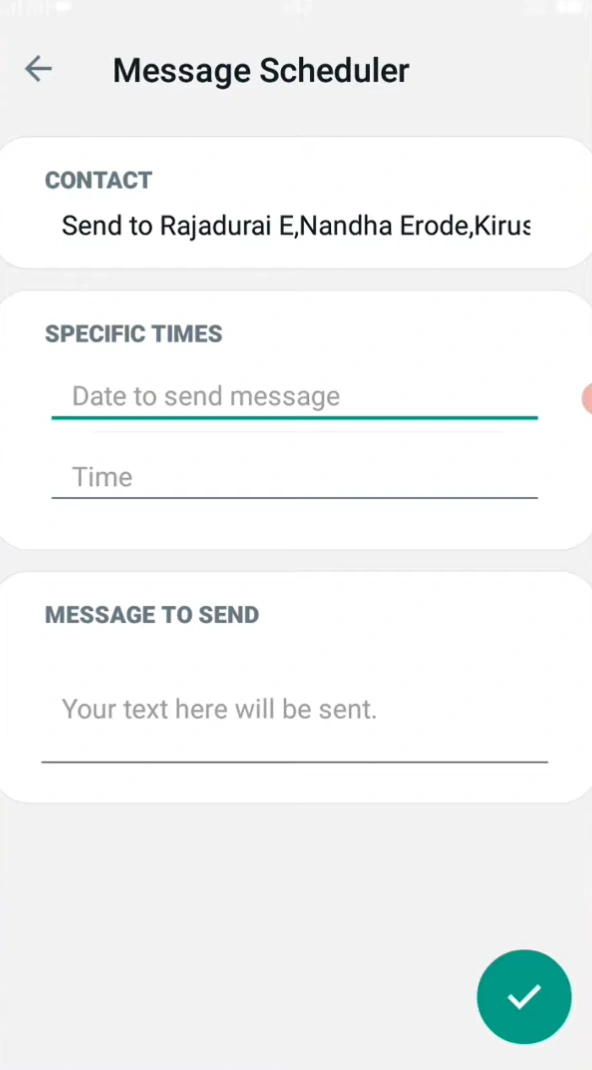
How to Schedule Messages in GB WhatsApp
Learn how message scheduling may work in GB WhatsApp, including setting a time, choosing a recipient and checking why a scheduled message may not send.