Common GB WhatsApp Installation Errors
App Not Installed
Often indicates incompatible APK, blocked installs, or insufficient space.
Problem Parsing the Package
Usually a corrupted download or incomplete file—verify size and checksum if published.
Package Conflict with Another Version
Another WhatsApp mod or clone may share conflicting signatures. Uninstall only after backup.
How to Identify the Cause
Match the on-screen text to one category above instead of retrying random APKs from unknown sites.
Steps to Troubleshoot Installation
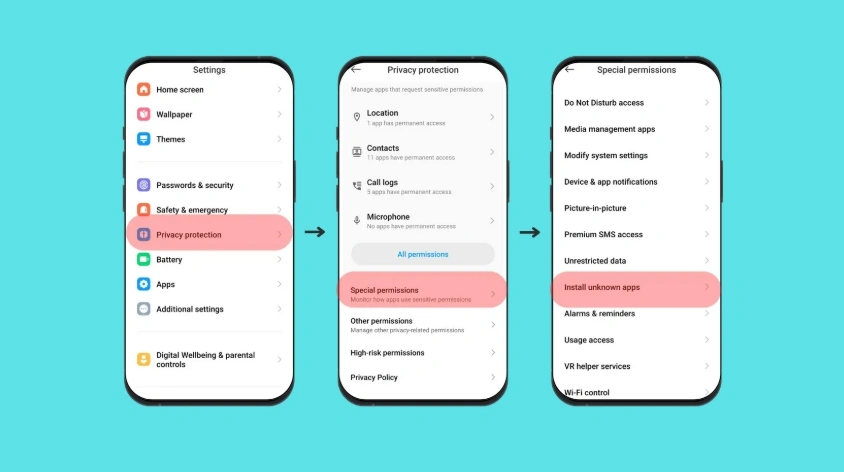
Re-download from a trusted page, enable installs for that browser only, and retry. Remove conflicting packages if you no longer need them.
Check APK Integrity and Device Compatibility
Confirm CPU architecture and minimum Android version when the publisher lists them.
What to Do Before Reinstalling
Export chats when possible. For update-specific failures, see GB WhatsApp update failed.